Blog
Tutorials, guides, and updates from re;file labs.
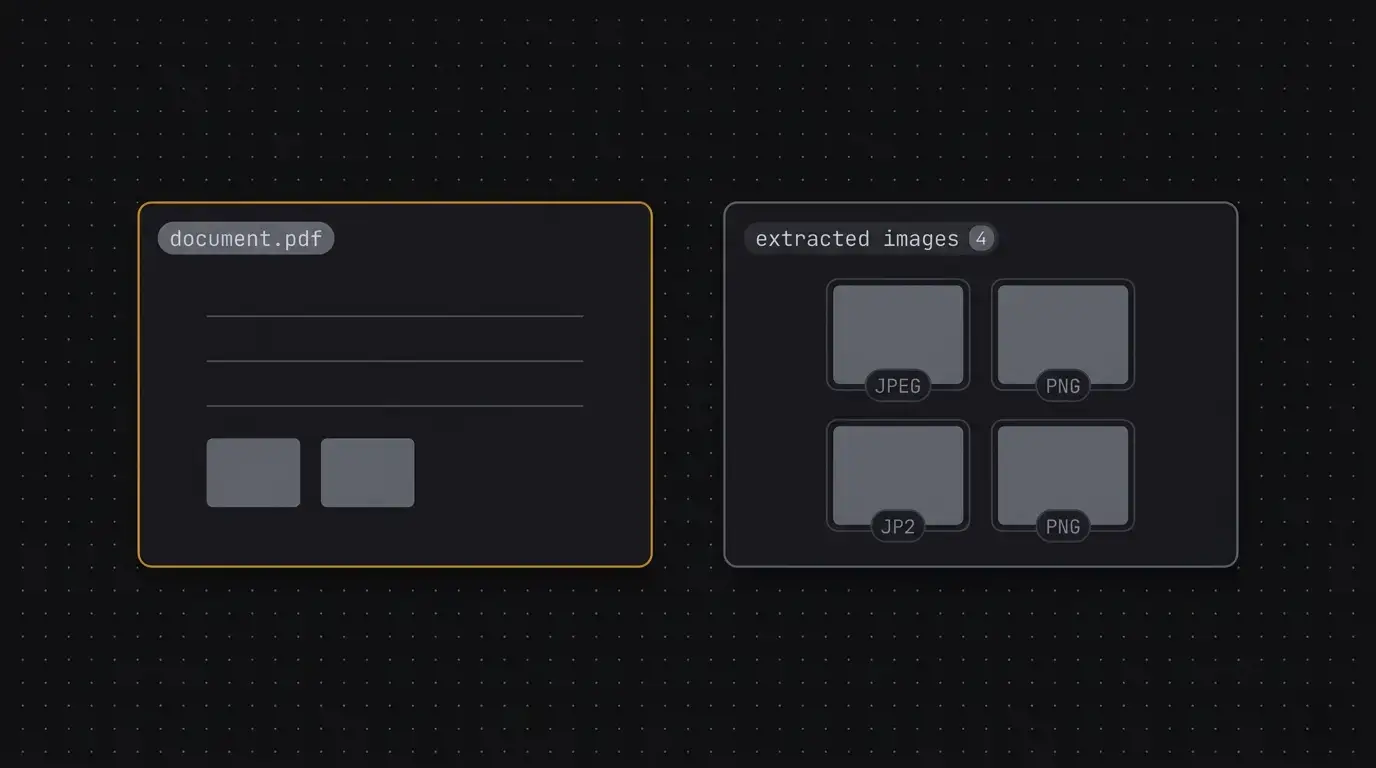
How to Extract Images from a PDF (Without Re-encoding Them)
PDFs store images as embedded objects inside the file. Here's how to pull them out without quality loss, no upload required.
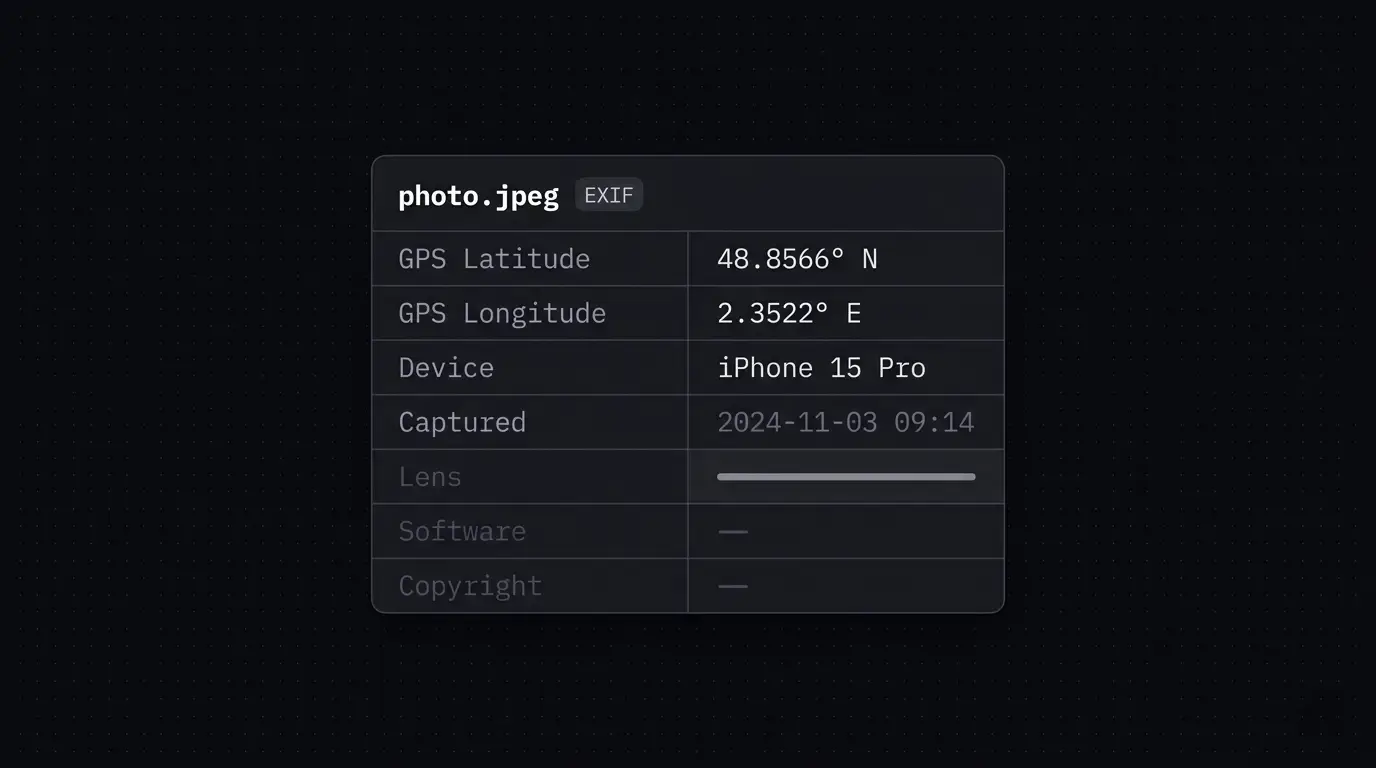
How to Remove Metadata from Photos (Without Uploading Them)
Every photo you take embeds GPS coordinates, device information, and timestamps inside the file. Here's what that data looks like, why you should strip it before sharing, and how to do it without sending your photos to a server.

How to Reorder and Delete PDF Pages in Your Browser
Reorder and delete pages in a PDF directly in your browser. No upload, no account, no desktop software required.
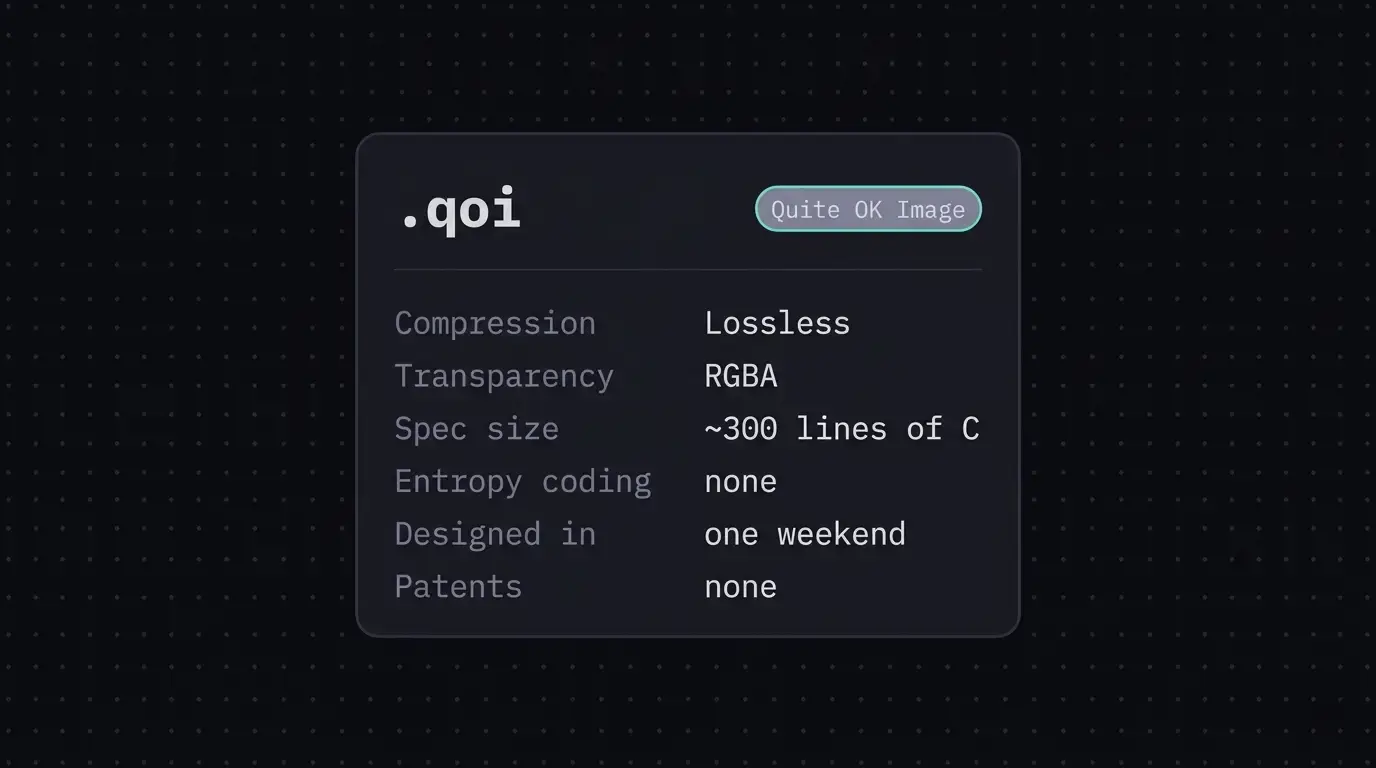
What is a QOI File? The Image Format That Fits in 300 Lines
QOI is a lossless image format with a spec so simple you can read it in an afternoon. Here's what it is, how it compares to PNG, and how to open QOI files without installing anything.
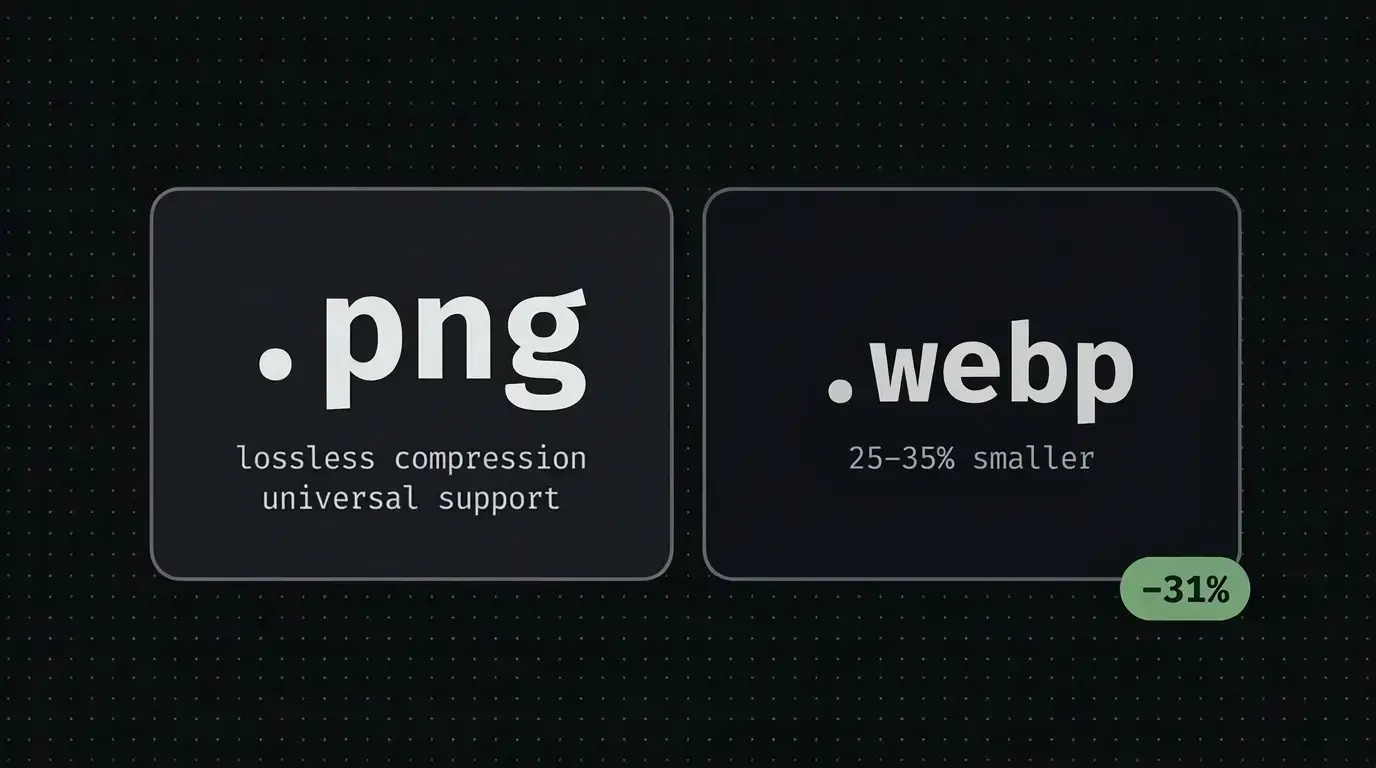
WebP vs PNG: Which Image Format Should You Use?
WebP and PNG are both lossless, both support transparency, and both have strong browser support. So which one should you actually use? Here's a practical breakdown.

Privacy by Design: How re;file labs Uses WASM and Rust to Keep Your Files Local
re;file labs runs image conversion, PDF processing, and metadata editing entirely in your browser using Rust compiled to WebAssembly. Your files never reach a server.
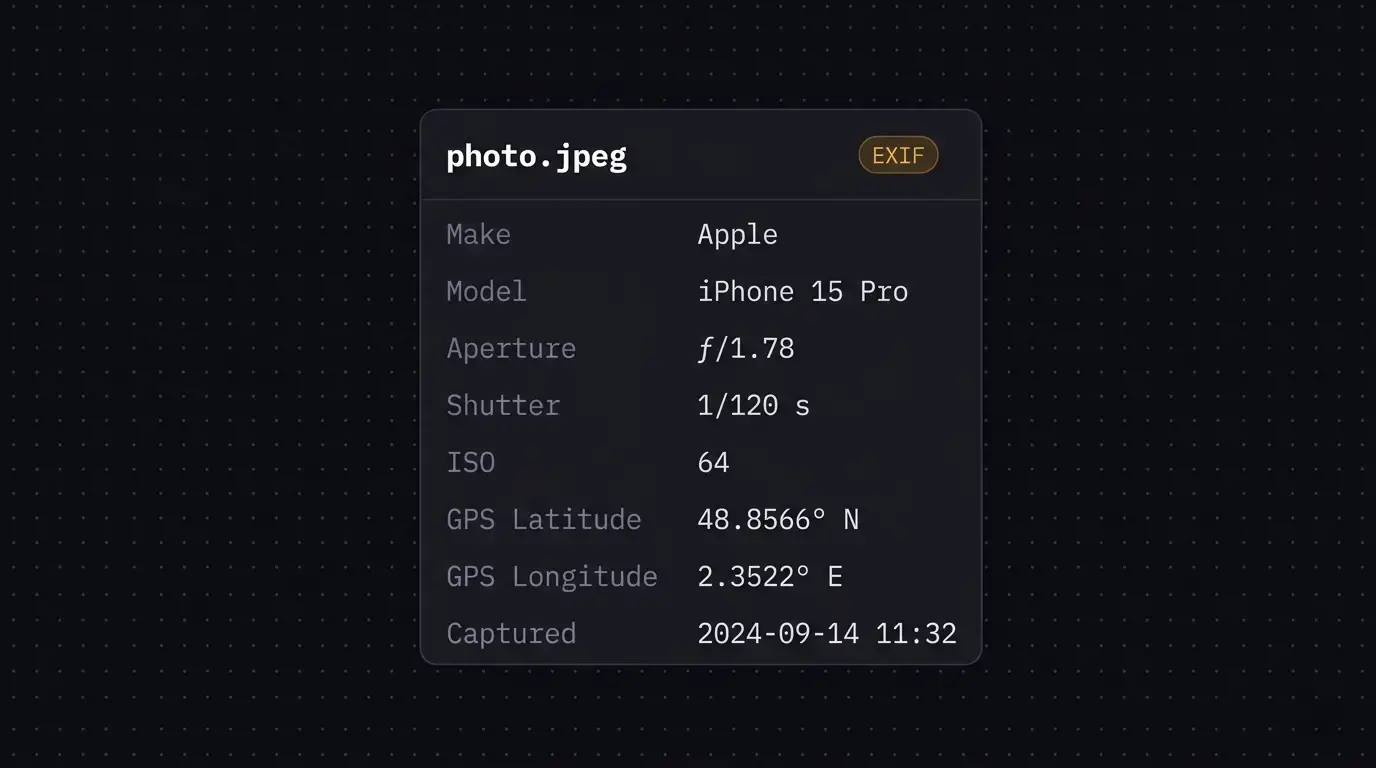
How to View EXIF Data Online Without Uploading Your Photos
EXIF data is the hidden layer inside your photos — camera settings, GPS coordinates, timestamps and more. Here's what it is, why it matters, and how to view it instantly without uploading your files.
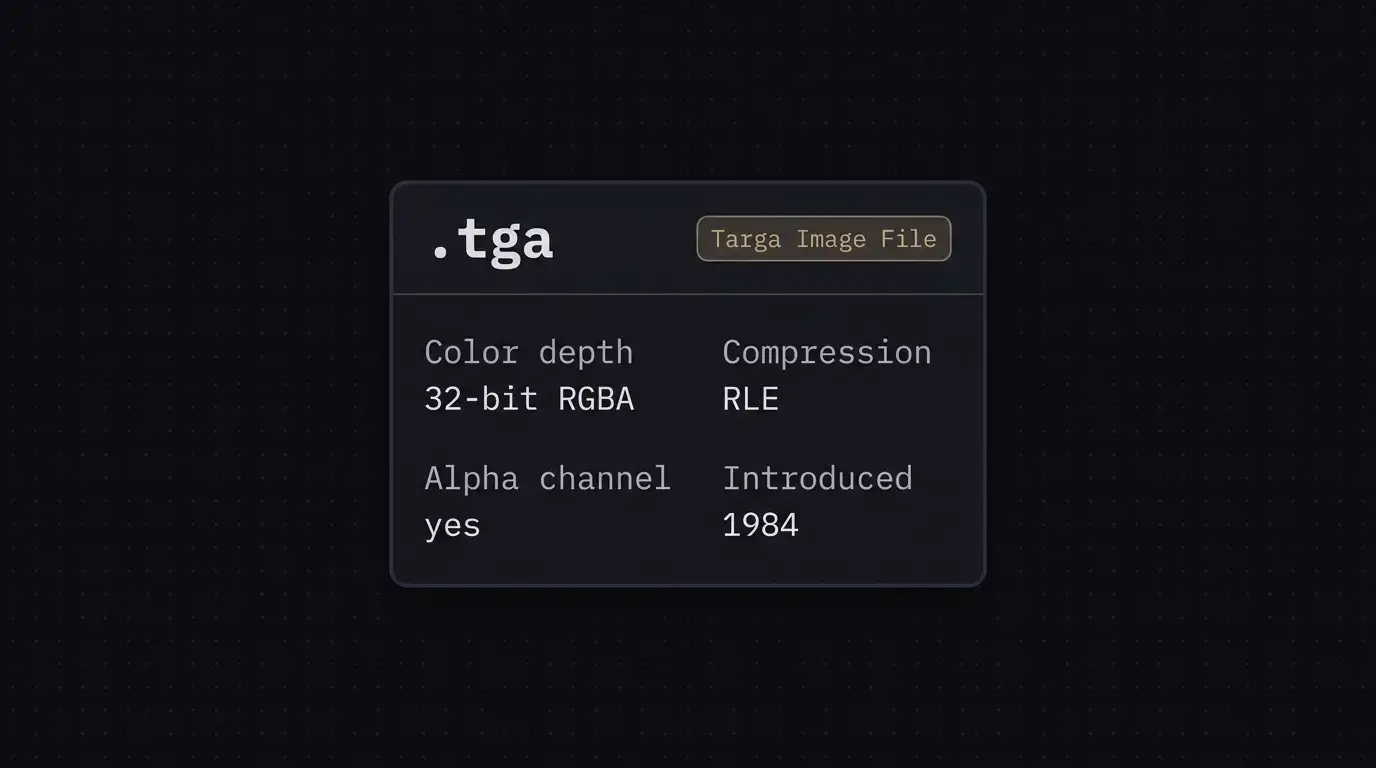
What is a TGA File and How to Open It
TGA files are a staple of game development and 3D rendering, but opening them on a modern computer isn't always obvious. Here's what they are and how to view them instantly in your browser.

Compressing Large Images for Websites Without Sacrificing Quality
Large images are one of the most common causes of slow websites. Here's how to compress them effectively, which formats to use, and how to do it without sending your files to a third-party server.

Why Browser-Based File Tools Are Safer Than Upload-Based Services
Most file tools send your data to a remote server the moment you hit convert. re;file labs runs everything in your browser using WebAssembly — no upload, no account, no third party ever sees your files.